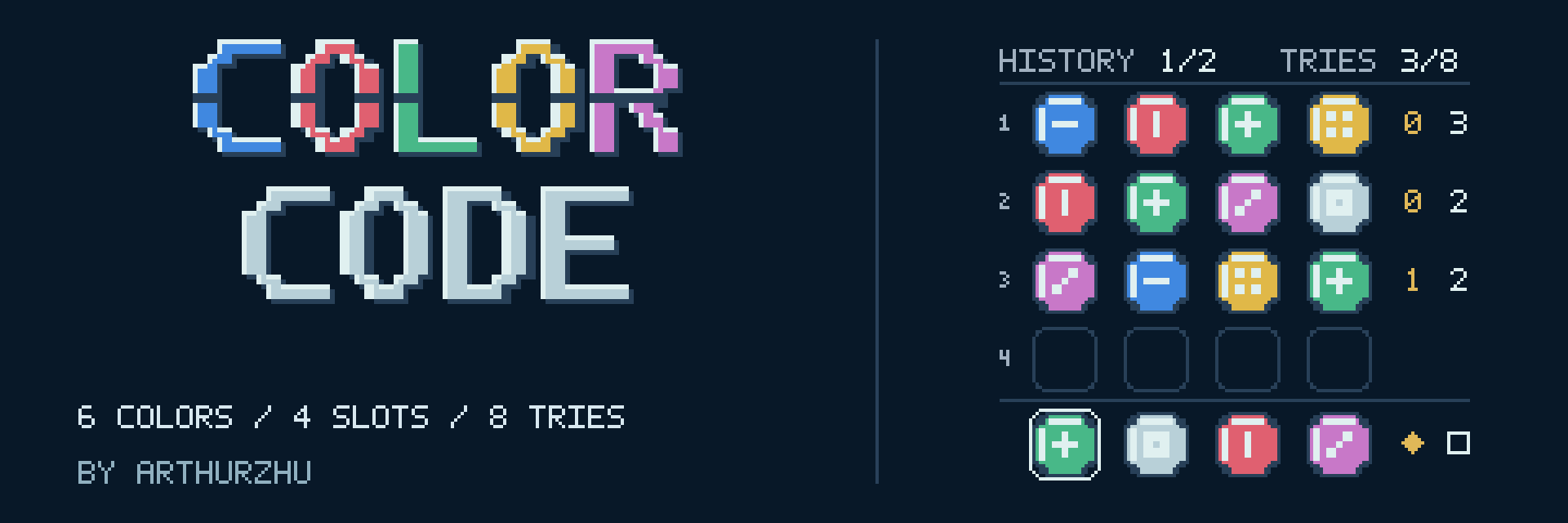
ColorCode
COLOR CODE
Six colors. Four slots. Eight tries.
Crack a hidden color code in a calm, pocket-sized logic puzzle for Game Boy Color. Choose your colors, read the clues, and make each try count. There is no timer.
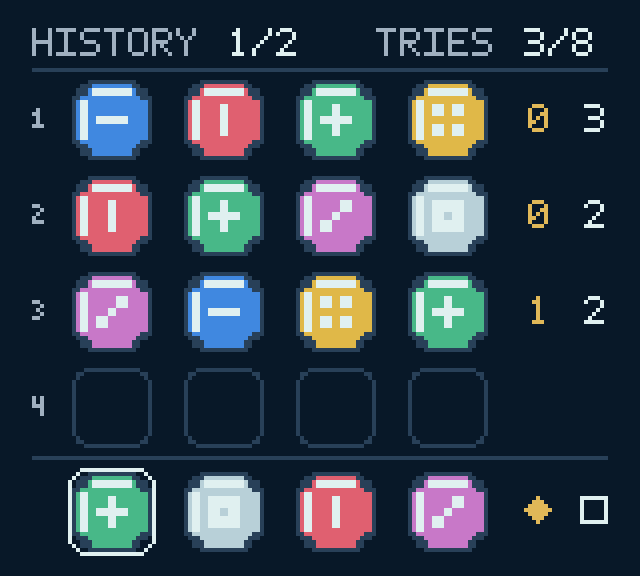
Read the Clues
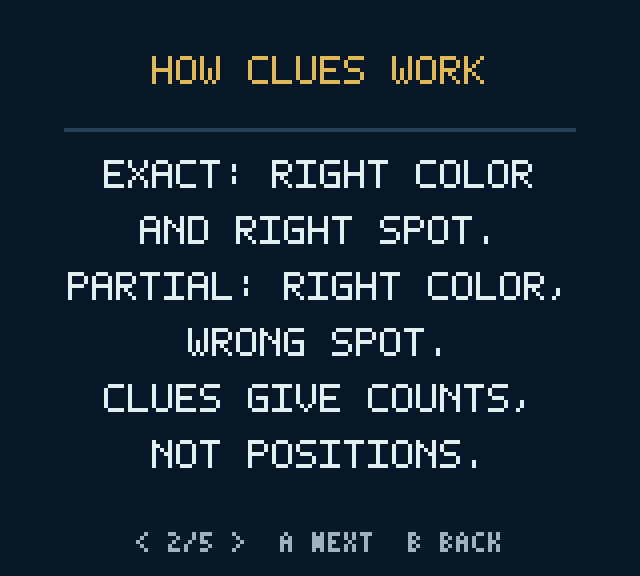
- EXACT — solid diamond: the color and its position are both correct.
- PARTIAL — empty square: the color is correct, but its position is wrong.
The numbers describe your whole try; they do not identify individual slots. Each secret slot is counted only once.
By default, the hidden code uses four different colors. You can allow repeated colors before a new game; this permits duplicates but does not require them in every code. Your tries can contain duplicates in either mode. An incomplete try does not use an attempt.
Features
- Deep-sea colors and rounded, patterned color pieces.
- Eight tries, with four history rows per page.
- Illustrated in-game rules.
- Automatic saves and CONTINUE for an unfinished puzzle.
- Soft Tide, a gentle original chiptune theme.
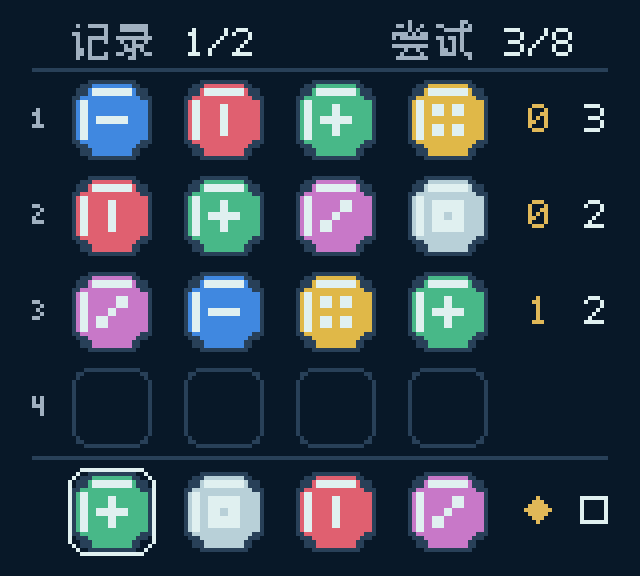
- English and Simplified Chinese interfaces, plus separate music and sound-effect settings.
- ArthurZhu pixel opening, skippable with A or START.
Game Controls
- Left / Right: select one of the four positions.
- Up / Down: change its color.
- A: submit a complete try.
- B: clear the selected position; go back in menus.
- START: pause.
- SELECT: switch history pages when a second page is available.
Languages and Sound
English is the default. Open SETTINGS → LANGUAGE to switch to Simplified Chinese. Music and sound effects have separate on/off settings. Your preferences are saved.
Play and Save
Play in your desktop browser or download the native Game Boy Color ROM. Click the game to give it keyboard focus and enable audio.
- Arrows / WASD: move or select.
- Z / J: A button.
- X / K: B button.
- Enter: START.
- P / Shift: SELECT.
Browser saves stay in the current browser when local storage is available. Clearing site data, private browsing, or blocked storage can remove or prevent saves. Progress does not sync between browsers, devices, or the browser and a separate emulator.
For the download, open the `.gbc` file in a Game Boy Color-compatible emulator. Enable battery-save persistence. No emulator is included.
Credits
Game design, pixel art, interface and audio: ArthurZhu. Built with GB Studio / GBDK; browser playback uses Binjgb. Third-party notices are included in the downloads. Independent homebrew; not an official Nintendo or ModRetro product.
Download
Click download now to get access to the following files:
Development log
- Can You Crack the Color Code?9 days ago


Leave a comment
Log in with itch.io to leave a comment.